Description
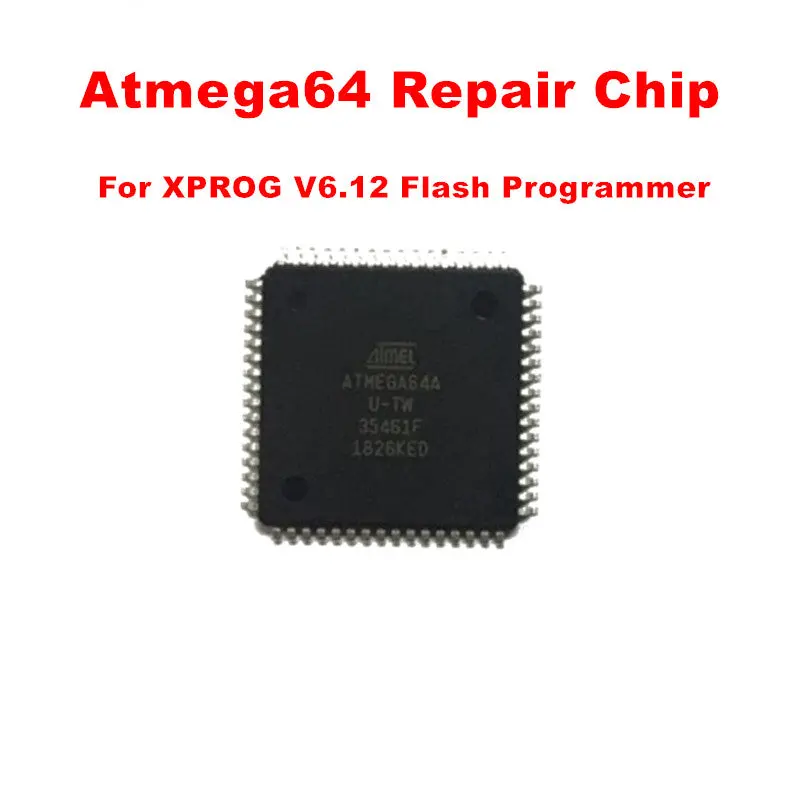
Atmega Repair Chip for XPROG-M V6.12 for Certifate Expired Solution
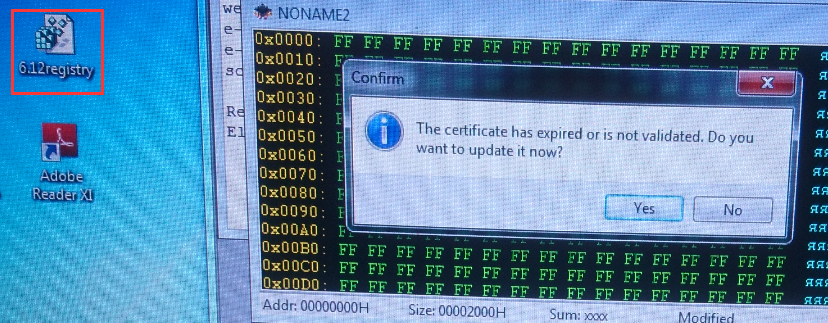
Error About Certifate Expired:
When buyer meet this problem ,it means your computer install other older version and didn’t uninstall yet.and computer has old xprog software registry.red and didn’t uninstall ,so it wil cause this problem .
Now you need buy ATMEGA 64 chip to reflash programmer and then next time must click 6.12registry and then run 6.12 software.
XPROG V6.12 using tips:
1.XPROG V6.12 dongle isn’t compatible with older version Xprog
2. Please Close all anti-virus software in your computer
3. Disconnect internet before use V6.12 XPROG-M
4. Uninstall all the old version XPROG software before you install V6.12 software, because XPROG V6.12 hardware is not compatible with other version XPROG software.
5. Never try to UPDATE it
Install Steps Manual:
1.Click the file “installation.reg”, get the file information to theregedit.
2.Install the file “AdbeRdr11000_zh_CN.exe”, it is a must, otherwisethe Xprog software will not start.
3.Plug the Xprog main interface to the computer, install the USB driver.
4.Copy the folder “XPROG-BOX6.12” to the desktop, and open it, and runthe “xprogdesktop.exe”, then software open.
Explore more from our collection.
Reviews
There are no reviews yet.